



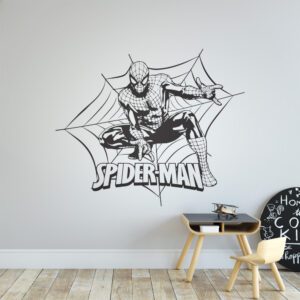


Learning how to decorate a gaming bedroom is less about filling the room with gaming merchandise and more about creating a comfortable, organised space with a clear visual theme. The best rooms balance the gaming setup with practical storage, suitable lighting and wall décor that adds personality without making the space feel crowded.
You do not need a complete room makeover or a large budget. A focused colour palette, one strong feature wall and a few carefully selected accessories can turn an ordinary bedroom into a gaming space that still works for sleeping, studying and relaxing.
Quick Answer: How Do You Decorate a Gaming Bedroom?
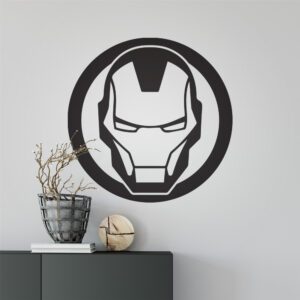
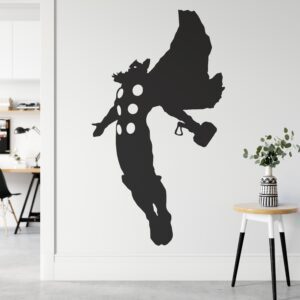
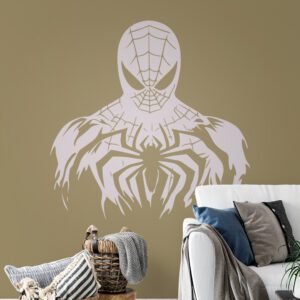
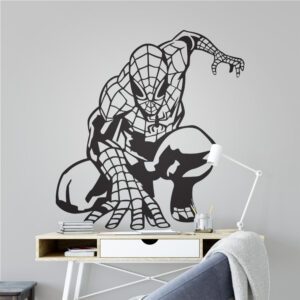
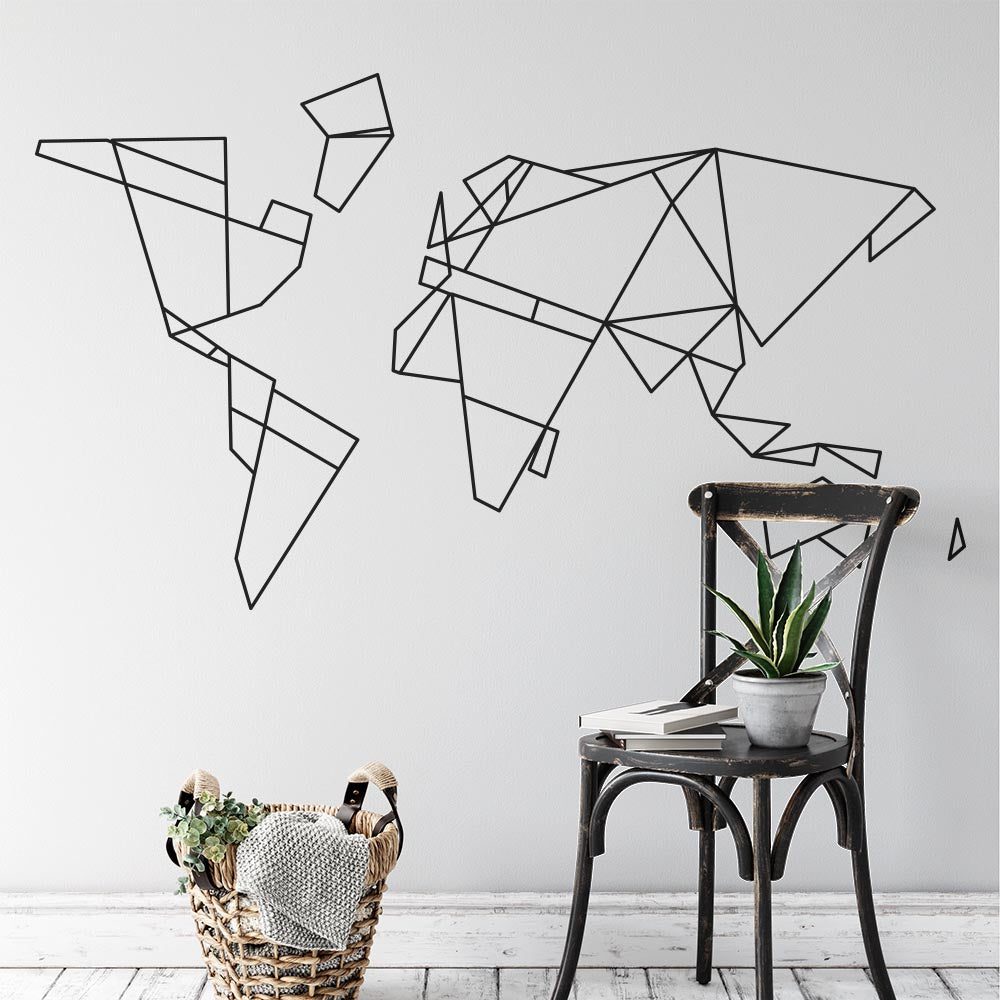
Start by choosing two or three colours and deciding where the gaming setup will sit. Make the desk or media area the main focal point, use layered lighting instead of one harsh ceiling light, control visible cables and add storage for controllers and accessories. Finish the room with one or two coordinated decorative features, such as a large gaming wall sticker, geometric shapes or a gaming-zone design.
For a quick wall update, explore our gaming wall stickers collection. These self-adhesive designs are cut from one-colour vinyl and usually have no clear, white or printed background, creating a clean, painted-on appearance once applied.
What You Need Before You Start
Before buying décor, measure the room and make a simple plan. This reduces the risk of choosing items that compete for space or make doors, drawers and wardrobes difficult to use.
- A tape measure: Record the wall width, desk area, available floor space and the positions of sockets, radiators and switches.
- A simple colour palette: Choose one main neutral, one dark colour and an optional accent. Dark navy, charcoal, white and warm grey provide a flexible gaming-room base.
- A practical budget: Separate essentials, such as a desk lamp or storage, from decorative extras.
- A room layout: Decide where the bed, gaming desk, chair and storage will go before placing wall décor.
- Suitable wall surfaces: Wall stickers work best on smooth, clean, dry surfaces. Textured walls and weak or peeling paint may not give reliable results.
- Enough curing time: If the room has recently been painted, allow the paint to cure fully according to the paint manufacturer’s guidance before applying stickers.
It also helps to decide whether you want the room to feel dark and immersive or light and adaptable. A dark feature wall can create atmosphere, but it may make a small room feel enclosed. A soft neutral wall with a dark one-colour decal offers contrast while keeping the room visually open.
How to Decorate a Gaming Bedroom Step by Step
Gaming bedroom decorating checklist
- Measure and plan — map the bed, desk, storage, sockets and usable wall space.
- Choose a colour palette — limit the room to two or three coordinated colours.
- Build the focal area — make the gaming desk or media setup the visual centre.
- Layer the lighting — combine practical task lighting with softer ambient light.
- Control cables and clutter — use trays, clips, boxes and accessible storage.
- Decorate the wall — apply one well-sized gaming decal rather than many competing pieces.
- Add comfort and test the layout — check movement, screen glare and everyday usability.
1. Measure the Room and Plan the Layout
Measure each wall and note anything that breaks up the available space, including doors, windows, shelves and switches. If the room is small, keep the largest furniture against the walls and preserve a clear route between the door, bed and desk.
Place the screen where direct daylight is less likely to cause glare. If possible, avoid positioning a monitor directly in front of a bright window. The gaming area should also have access to sockets without requiring cables to cross a walkway.
Use removable paper shapes or low-tack markers to test the size of planned wall décor. This is particularly useful above a desk, where a design may look smaller on a large empty wall than it did on a product page.
2. Choose a Controlled Colour Scheme
A limited palette makes mixed furniture and accessories feel intentional. Start with the colours already present in the room, especially the flooring, bed, desk and curtains. Then choose a dominant wall colour and one accent.
| Style | Suggested palette | Best for |
|---|---|---|
| Modern gaming | White, dark navy and warm grey | Clean setups and smaller bedrooms |
| Dark and immersive | Charcoal, black and one muted accent | Larger rooms with good natural light |
| Light and flexible | Soft grey, white and navy | Bedrooms shared with study or work space |
| Bold but controlled | Neutral walls, black furniture and one bright accent | Rooms with LED lighting or colourful accessories |
Avoid trying to match every light, cushion and accessory exactly. Repeating the same two or three tones around the room is usually enough to create a coordinated result.
3. Make the Gaming Setup the Focal Point
The gaming desk or television area naturally attracts attention, so use it as the room’s visual anchor. Centre the desk on a usable section of wall where possible, then balance the screen with storage, lighting or a wall sticker.
Keep the area immediately around the screen relatively simple. Too many small objects can compete with the display and make cable management more difficult. A single large decal above or beside the setup usually looks cleaner than several unrelated decorations.
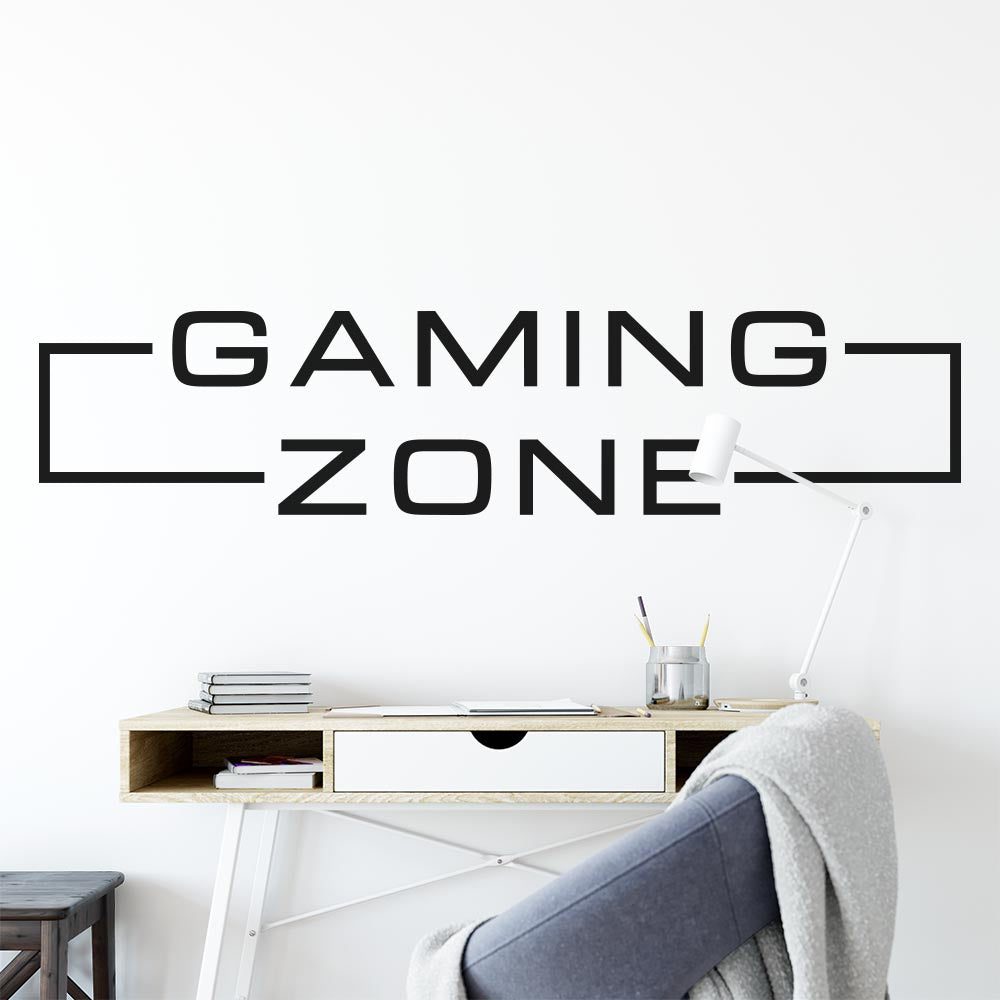
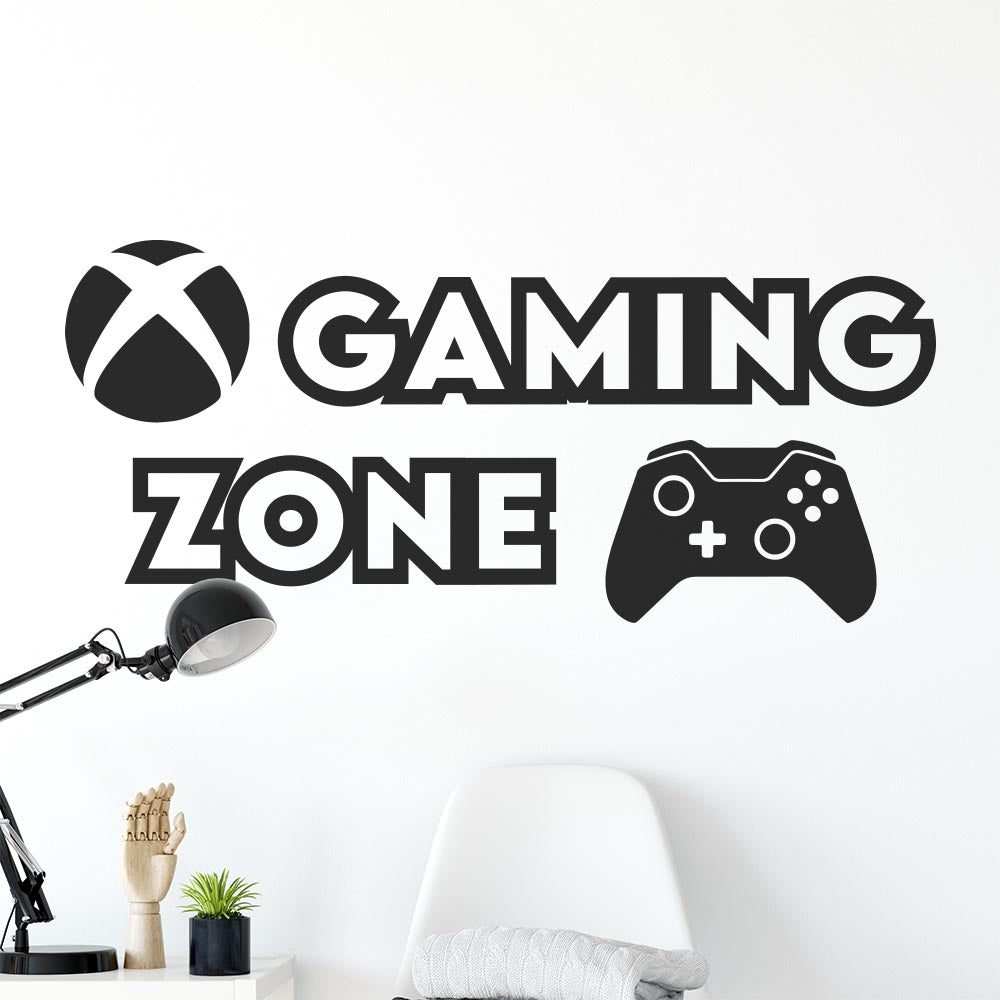
If you want the space to have a clearly defined identity, browse gaming zone wall stickers. Choose a size that relates to the width of the desk rather than the entire wall. As a general visual guide, wall décor covering around one-half to two-thirds of the furniture width often feels balanced.

4. Layer Practical and Atmospheric Lighting
A gaming bedroom needs more than decorative coloured lighting. Use a task light for homework, reading or equipment adjustments, then add softer ambient lighting for evenings. This gives you flexibility without relying on a bright central ceiling light.
- Task lighting: A desk lamp with a shade helps illuminate the work surface.
- Ambient lighting: A floor lamp, shaded bedside light or indirect light creates a softer background.
- Accent lighting: Subtle lighting behind a desk or monitor can contribute to the gaming atmosphere.
Keep lights away from positions that reflect directly in the screen. Very bright lights or constantly changing colours can also become distracting, so select settings that suit longer gaming sessions as well as the room’s general use.
5. Organise Cables, Controllers and Accessories
Visible clutter can weaken even a carefully planned decorating scheme. Group cables together, keep excess lengths off the floor and give controllers, headphones and charging leads fixed storage positions.
Useful options include an under-desk cable tray, reusable cable ties, labelled storage boxes and a headphone stand. Leave plugs and power controls accessible rather than hiding them behind heavy furniture. Avoid overloading sockets, and replace damaged leads rather than covering them decoratively.
Closed storage helps a bedroom feel calmer, while one open shelf can display a small selection of favourite accessories. Leave some empty space so the display does not look crowded.
6. Add Gaming Wall Décor
Wall stickers are useful when you want a strong graphic feature without the depth of shelving or framed décor. Apex wall decals are cut from one-colour self-adhesive vinyl. Most designs have no clear, white or printed background, so the wall remains visible around and through the cut-out parts of the graphic.

Before applying a decal, inspect the paint and clean the surface carefully. The wall should be smooth, clean and completely dry. Fresh paint needs time to cure, and textured, chalky, damp or flaking surfaces may not be suitable.
Plan the position before removing the backing. Use light pencil marks or small positioning guides, check the design from across the room and then follow our quick wall sticker application guide. Apply slowly and smooth the vinyl with controlled pressure rather than rushing.
If you may change the room later, keep the original wall finish in mind. Removal results depend on wall condition, paint quality and how carefully the sticker is removed.
7. Add Soft Furnishings and Personal Details
Use bedding, curtains, a rug or cushions to repeat the main colours. These softer elements stop a desk-heavy room from feeling too much like an office. They can also be replaced more easily when tastes change.
Personal details should support the theme rather than overwhelm it. Choose a few items with different heights and leave visual space between them. If you prefer a typographic look, our quote wall stickers offer another way to create a focal feature, although gaming graphics may suit a strongly themed setup better.
8. Test the Room in Everyday Use
Use the room for several days before buying the final accessories. Check whether drawers open fully, the chair can move comfortably and light reflects on the screen. Make sure frequently used items are easy to reach and that the bedroom still feels restful when the gaming equipment is not in use.
This testing stage often reveals that one practical improvement—such as moving a lamp, raising a monitor or adding a storage box—has more impact than another decorative purchase.
Common Gaming Bedroom Decorating Mistakes
- Using too many themes: Mixing unrelated graphics, colours and collectibles can make the room feel disjointed. Select one broad direction and repeat it consistently.
- Choosing décor before measuring: A design can appear too small above a wide desk or overlap shelves and switches. Test the dimensions on the wall first.
- Making the room too dark: Black walls and furniture can look dramatic, but small bedrooms may need lighter walls and stronger task lighting.
- Relying only on decorative LEDs: Coloured accent lights are not a substitute for comfortable practical lighting.
- Ignoring cable routes: Plan power access before fixing furniture positions or placing decorative features.
- Applying decals to an unsuitable wall: Dust, moisture, texture, uncured paint or a weak paint layer can affect adhesion and later removal.
- Filling every surface: Empty wall and shelf space helps the main gaming feature stand out.
When to Choose a Different Product or Approach
A self-adhesive vinyl sticker is not right for every wall or decorating goal. Choose framed artwork, a freestanding display or another non-adhesive option if the paint is flaking, chalky or poorly bonded. These alternatives may also be more appropriate for heavily textured walls where cut vinyl cannot make consistent contact.
Use shelving instead if you mainly need storage for controllers, headsets or collectibles. If you want a multicoloured image, detailed character scene or photographic artwork, a one-colour cut-vinyl design will not provide that printed effect. Its strength is the clean silhouette appearance created directly against the wall.
For rented accommodation, check the tenancy terms and assess the wall condition before applying adhesive décor. A freestanding board or framed piece may be preferable when wall changes are restricted. Never assume that any adhesive product will suit every paint finish.
Choose a Gaming Wall Feature
If the layout, lighting and storage are ready, the next step is choosing a focal graphic that fits the available wall space. Browse the gaming wall stickers for simple, one-colour self-adhesive designs suited to smooth, clean and dry walls.
Frequently Asked Questions
What colours are best for a gaming bedroom?
Dark navy, charcoal, white and warm grey provide a versatile base. Use one brighter accent sparingly through lighting, bedding or small accessories so the room remains coordinated.
How can I decorate a small gaming bedroom?
Use light walls, compact furniture and vertical storage. Keep the floor route clear and choose one appropriately sized wall feature rather than several small decorations.
Where should a gaming wall sticker be positioned?
Above or beside the desk is usually effective, provided the whole design has space around it. Measure the wall and furniture, test the outline and avoid placing important parts behind monitors or shelving.
Can a wall sticker be applied to a freshly painted wall?
No decal should be applied until the paint has fully cured. Dry-to-the-touch paint may still be curing, so follow the paint manufacturer’s stated curing period before assessing the surface.
Do gaming bedrooms need coloured LED lights?
No. LEDs can add atmosphere, but a good desk lamp and soft ambient lighting are more important for everyday comfort. A coordinated wall feature can establish the gaming theme without coloured lighting.
Ready to complete your room plan? Explore our gaming wall stickers and choose a design that suits your desk width, colour scheme and wall surface.